StayFree alternatives in 2026
StayFree is the tracker. The clearest picture of where your hours went, on Android, for free. Here is what to use instead, depending on why you are leaving.
By Ruslan Shchuchkin, who built PhoneStop · · Read this page as Markdown
Why people look for an alternative to StayFree
StayFree is the best measuring instrument in the category. The complaints are about what happens after you have measured.
- Knowing is not stopping. A beautiful chart of the six hours you lost is still six hours.
- The limits are per app, so the total keeps drifting even when every app is inside its rule.
- The blocking is soft (an overlay you can dismiss), and it needs the accessibility service to do the website half.
- Ads and a premium tier in an app whose core value is a chart.
| App | Platforms | Price | At the limit |
|---|---|---|---|
| PhoneStop | Android | Free | A full-screen stop, a reset, then a one-tap lock |
| Digital Wellbeing | Android (built in) | Free | The icon greys out and a Time's up screen appears, with a button to dismiss it for the day |
| AppBlock | Android, iPhone | Usable free tier; premium by month, year or a one-time payment | Blocks the profile's apps and sites, and Strict Mode refuses to be turned off |
| ScreenZen | iPhone, iPad, Android | Free, donation-supported | Shows a pause screen and can refuse the open once you pass your cap |
| Forest | iPhone, iPad, Android, browser extension | One-time purchase on iOS; free with in-app purchases on Android | Nothing: the tree dies if you leave your focus session |
| one sec | iPhone, iPad, Android, browser extension | Free for one app; subscription to go further (around $50/year) | There is no daily limit: it interrupts each time you open the app |
The alternatives
1. PhoneStop
Android · Free
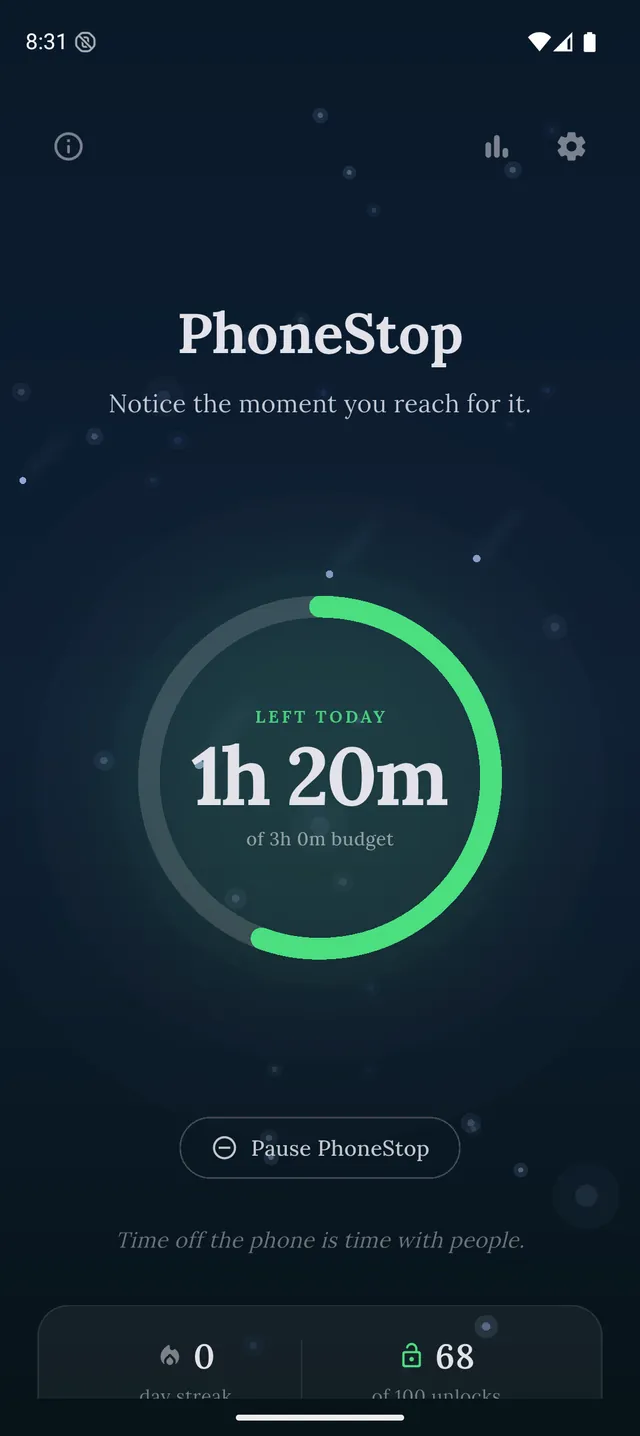
Free, Android. Turns the same usage data into one draining budget with warnings and a full-screen stop, instead of a report.
2. Digital Wellbeing
Android (built in) · Free
The free built-in version of the same chart. Less detail, zero installs.
PhoneStop vs Digital Wellbeing
3. AppBlock
Android, iPhone · Usable free tier; premium by month, year or a one-time payment
When tracking has done its job and you want rules with teeth.
4. ScreenZen
iPhone, iPad, Android · Free, donation-supported
Free, per-app pauses and open limits: the acting half that StayFree's charts are missing.
5. Forest
iPhone, iPad, Android, browser extension · One-time purchase on iOS; free with in-app purchases on Android
If the missing ingredient is motivation rather than information.
6. one sec
iPhone, iPad, Android, browser extension · Free for one app; subscription to go further (around $50/year)
Friction at the app door, for the specific apps your StayFree chart just indicted.

Disclosure: we make PhoneStop, so treat our own entry with the scepticism it deserves. Everything else here is written from public information and hands-on use; prices and platforms were checked in September 2026 and change often, so check the vendor before you pay.
PhoneStop is a free Android app. Set a daily screen time budget, get warned before it runs out, and get stopped when it does.

Android. No account, no ads. Your screen time never leaves your phone. An iPhone version is coming soon.
Questions people ask
What should I use once StayFree has shown me the numbers?
Whatever matches the shape of the problem the chart just showed you. Two apps at the top and a long tail: per-app limits. A flat spread across everything: a whole-phone budget.
Is there a screen time tracker without ads?
Digital Wellbeing has none and is already installed. PhoneStop has none because it has no revenue model at all: it tracks total screen time only, not app by app.