Digital Wellbeing alternatives in 2026
Digital Wellbeing is already on your phone, free, and the reason most people think screen time apps do not work. Here is what to use instead, depending on why you are leaving.
By Ruslan Shchuchkin, who built PhoneStop · · Read this page as Markdown
Why people look for an alternative to Digital Wellbeing
Digital Wellbeing is where nearly everyone starts, and the reasons people go looking for something else are always the same three.
- The timer is dismissible. Hit the limit, and the Time's up screen offers to remove the timer for the rest of the day. At the exact moment your judgement is worst, the app offers you the exit.
- It only reports. There is no build-up, no warning, and nothing between "fine" and "your icon is grey".
- App timers are per app. Run out on Instagram, open the browser, and Instagram is right there.
- Bedtime mode is cosmetic. Grayscale is undone by one tap.
| App | Platforms | Price | At the limit |
|---|---|---|---|
| PhoneStop | Android | Free | A full-screen stop, a reset, then a one-tap lock |
| StayFree | Android, iPhone, Chrome | Free with a premium tier | An overlay warning, and a block screen on the app you set a limit for |
| ScreenZen | iPhone, iPad, Android | Free, donation-supported | Shows a pause screen and can refuse the open once you pass your cap |
| AppBlock | Android, iPhone | Usable free tier; premium by month, year or a one-time payment | Blocks the profile's apps and sites, and Strict Mode refuses to be turned off |
| one sec | iPhone, iPad, Android, browser extension | Free for one app; subscription to go further (around $50/year) | There is no daily limit: it interrupts each time you open the app |
| Brick | iPhone and Android (needs recent OS versions) | $59 one-time for the puck; the app is free | Your chosen apps are gone until you physically tap the phone on the puck |
The alternatives
1. PhoneStop
Android · Free
Free, and built precisely around what Digital Wellbeing will not do: a whole-phone budget, warnings on the way down, and a stop with no dismiss button.
2. StayFree
Android, iPhone, Chrome · Free with a premium tier
The upgrade if what you want is a better chart than the built-in one.
3. ScreenZen
iPhone, iPad, Android · Free, donation-supported
Free, per-app pause screens and open limits: much harder to wave away than a grey icon.
4. AppBlock
Android, iPhone · Usable free tier; premium by month, year or a one-time payment
The strict option, with a mode you cannot switch off in the moment.
5. one sec
iPhone, iPad, Android, browser extension · Free for one app; subscription to go further (around $50/year)
A breath before the app opens, which catches the reach that a timer never sees.
6. Brick
iPhone and Android (needs recent OS versions) · $59 one-time for the puck; the app is free
For when every software answer has been dismissed and you want a physical one.

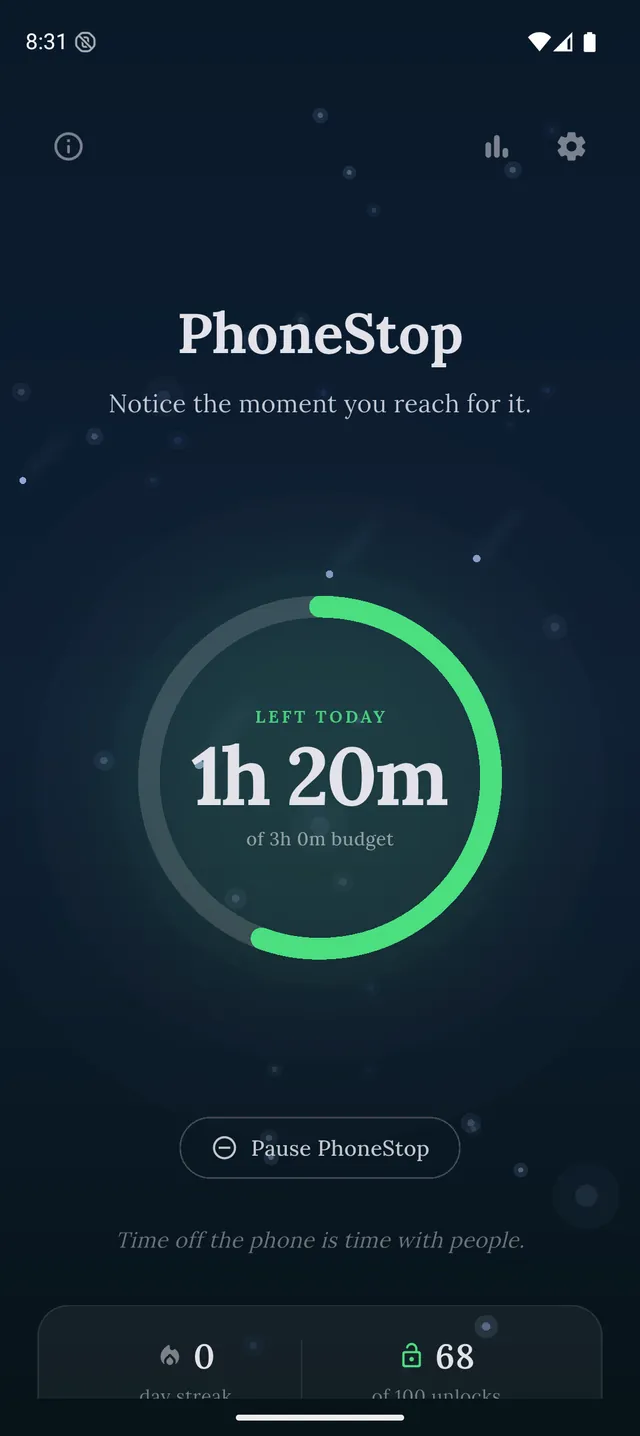
Disclosure: we make PhoneStop, so treat our own entry with the scepticism it deserves. Everything else here is written from public information and hands-on use; prices and platforms were checked in September 2026 and change often, so check the vendor before you pay.
PhoneStop is a free Android app. Set a daily screen time budget, get warned before it runs out, and get stopped when it does.

Android. No account, no ads. Your screen time never leaves your phone. An iPhone version is coming soon.
Questions people ask
What is better than Digital Wellbeing on Android?
Anything that cannot be dismissed in one tap. AppBlock for strict blocking, ScreenZen for per-app pauses, PhoneStop for a daily budget with a full-screen stop at the end.
Can I make Digital Wellbeing stricter without another app?
A little: set the timers through Family Link with a passcode you do not hold, and use Bedtime mode on a schedule. Both are free, and both stop working the moment you know the passcode.