ScreenZen alternatives in 2026
ScreenZen is the best free app in the category. A pause, a reason and a cap, per app, on both platforms. Here is what to use instead, depending on why you are leaving.
By Ruslan Shchuchkin, who built PhoneStop · · Read this page as Markdown
Why people look for an alternative to ScreenZen
ScreenZen is the app we recommend most often to people who are not going to pay for anything, so "alternative" here usually means "something with one specific thing ScreenZen lacks".
- It is per app. You maintain a list. The time you lose in a browser, a game you forgot to add, or a new app is invisible to it.
- It has no whole-day number to hit. There is no budget that runs out; each app is policed separately.
- The Android version needs an accessibility service, and some manufacturers kill it in the background.
- It is deliberately soft. By design you can always tap through. That is a feature until it isn't.
| App | Platforms | Price | At the limit |
|---|---|---|---|
| PhoneStop | Android | Free | A full-screen stop, a reset, then a one-tap lock |
| one sec | iPhone, iPad, Android, browser extension | Free for one app; subscription to go further (around $50/year) | There is no daily limit: it interrupts each time you open the app |
| AppBlock | Android, iPhone | Usable free tier; premium by month, year or a one-time payment | Blocks the profile's apps and sites, and Strict Mode refuses to be turned off |
| StayFree | Android, iPhone, Chrome | Free with a premium tier | An overlay warning, and a block screen on the app you set a limit for |
| Digital Wellbeing | Android (built in) | Free | The icon greys out and a Time's up screen appears, with a button to dismiss it for the day |
| Opal | iPhone and iPad (an Android build exists but trails the iOS app) | Free tier, subscription for the real features (around $100/year) | Blocks the apps in your session; Deep Focus makes the block hard to lift |
The alternatives
1. PhoneStop
Android · Free
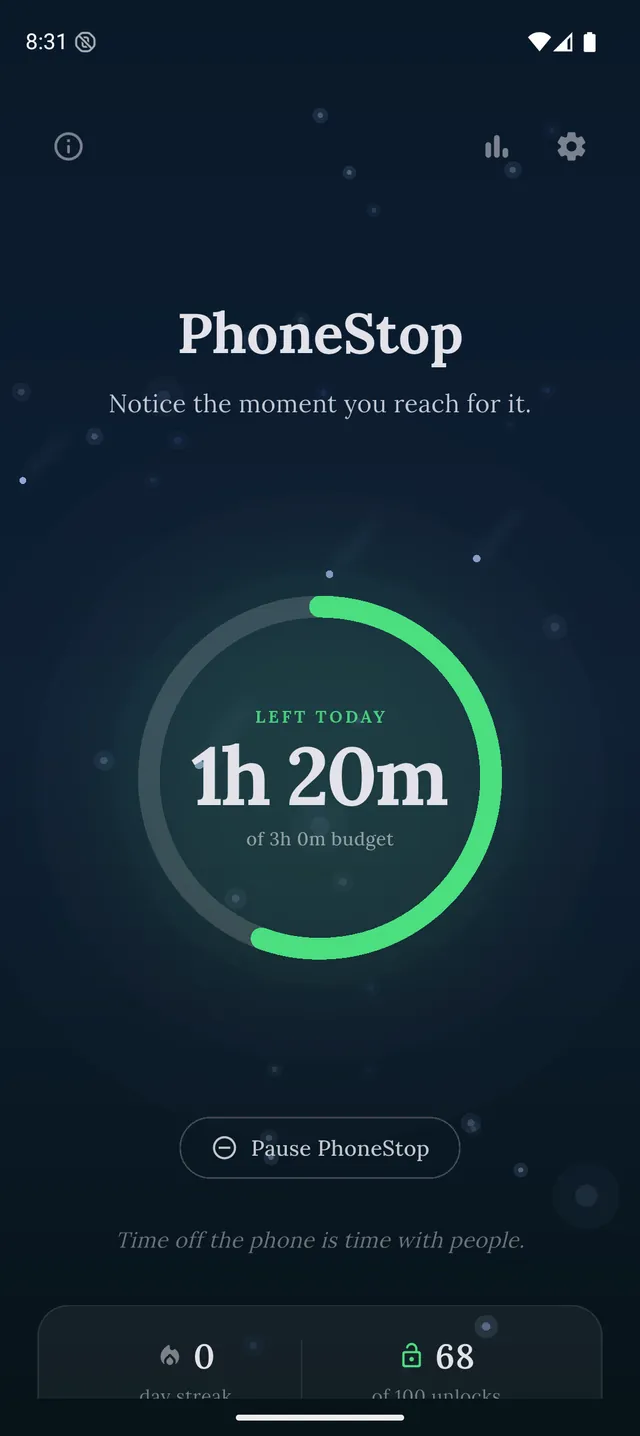
Free, Android. One budget for the whole phone instead of a list of apps, with a full-screen stop at zero.
2. one sec
iPhone, iPad, Android, browser extension · Free for one app; subscription to go further (around $50/year)
The same pause idea, done with more polish and more research behind it, with a paid tier.
3. AppBlock
Android, iPhone · Usable free tier; premium by month, year or a one-time payment
When soft interruptions stop working and you want a strict mode that fights back.
4. StayFree
Android, iPhone, Chrome · Free with a premium tier
Best-in-class Android usage tracking, if what you are missing is the number rather than the block.
5. Digital Wellbeing
Android (built in) · Free
Already installed, free, and covers app timers and bedtime mode without another download.
PhoneStop vs Digital Wellbeing
6. Opal
iPhone and iPad (an Android build exists but trails the iOS app) · Free tier, subscription for the real features (around $100/year)
The paid iPhone upgrade path: sessions, schedules and a block you cannot casually lift.

Disclosure: we make PhoneStop, so treat our own entry with the scepticism it deserves. Everything else here is written from public information and hands-on use; prices and platforms were checked in September 2026 and change often, so check the vendor before you pay.
PhoneStop is a free Android app. Set a daily screen time budget, get warned before it runs out, and get stopped when it does.

Android. No account, no ads. Your screen time never leaves your phone. An iPhone version is coming soon.
Questions people ask
Is anything better than ScreenZen and still free?
Not for per-app pauses: ScreenZen is the strongest free option in that shape. What is missing is a whole-phone total, and PhoneStop adds that for free without replacing what ScreenZen does well.
Why would I switch from a free app at all?
Only for a missing mechanism, never for polish. The two ScreenZen genuinely lacks are a daily budget for the whole phone and enforcement you cannot tap through.