Opal alternatives in 2026
Opal is the polished iPhone focus-session app: block lists, schedules, scores and a subscription. Here is what to use instead, depending on why you are leaving.
By Ruslan Shchuchkin, who built PhoneStop · · Read this page as Markdown
Why people look for an alternative to Opal
People go looking for an Opal alternative for four reasons, and only one of them is about the app being bad.
- The price. Opal's real features sit behind a subscription that lands near $100 a year. That is a lot for a timer, and it is the single most common complaint.
- The platform. Opal is built on Apple's Screen Time API. If you carry an Android phone, the iOS product everybody reviews is not the product you will get.
- The session model. Opal wants you to start a focus session. That works when you already know you are about to lose an hour. It does nothing at 11pm when you did not plan anything.
- The scores. Focus scores, streaks and a gem economy are motivating for some people and are exactly the kind of reward theatre other people are trying to escape.
| App | Platforms | Price | At the limit |
|---|---|---|---|
| PhoneStop | Android | Free | A full-screen stop, a reset, then a one-tap lock |
| ScreenZen | iPhone, iPad, Android | Free, donation-supported | Shows a pause screen and can refuse the open once you pass your cap |
| one sec | iPhone, iPad, Android, browser extension | Free for one app; subscription to go further (around $50/year) | There is no daily limit: it interrupts each time you open the app |
| Jomo | iPhone and iPad | Subscription, with a one-time lifetime option | Blocks the app or category and shows your own intention back to you |
| Digital Wellbeing | Android (built in) | Free | The icon greys out and a Time's up screen appears, with a button to dismiss it for the day |
| Brick | iPhone and Android (needs recent OS versions) | $59 one-time for the puck; the app is free | Your chosen apps are gone until you physically tap the phone on the puck |
The alternatives
1. PhoneStop
Android · Free
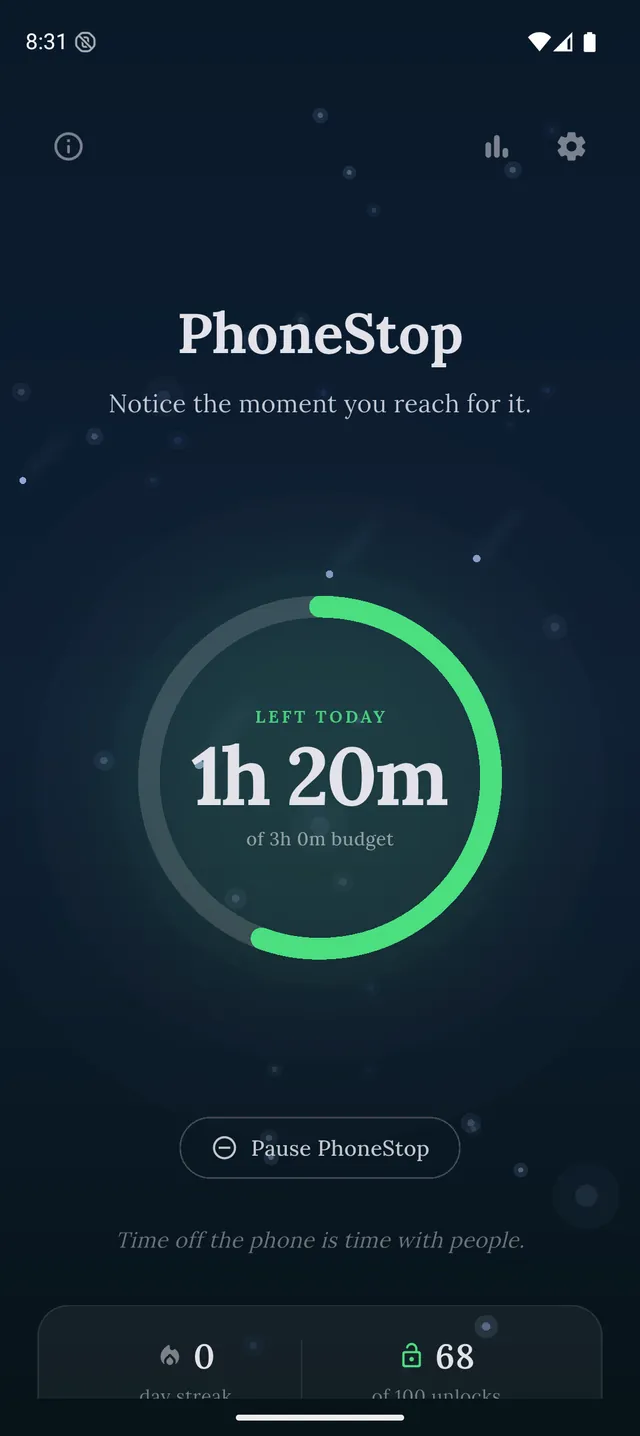
Free, Android, and the closest thing to Opal's intent without the subscription: a whole-day budget with warnings and a full-screen stop instead of a blocklist.
2. ScreenZen
iPhone, iPad, Android · Free, donation-supported
The free one. A pause screen before the app opens, plus limits on how many times you can open it. iPhone and Android.
3. one sec
iPhone, iPad, Android, browser extension · Free for one app; subscription to go further (around $50/year)
If what you liked about Opal was the friction rather than the lock, one sec is friction and nothing else.
4. Jomo
iPhone and iPad · Subscription, with a one-time lifetime option
The nearest like-for-like on iPhone: same Screen Time API, same blocking model, a one-time purchase option instead of a rolling subscription.
5. Digital Wellbeing
Android (built in) · Free
Free and already installed on Android. Weak, dismissible, but honest about it, and it costs nothing to try first.
PhoneStop vs Digital Wellbeing
6. Brick
iPhone and Android (needs recent OS versions) · $59 one-time for the puck; the app is free
For people whose answer to a bypassable block is a physical object they have to walk to.

Disclosure: we make PhoneStop, so treat our own entry with the scepticism it deserves. Everything else here is written from public information and hands-on use; prices and platforms were checked in September 2026 and change often, so check the vendor before you pay.
PhoneStop is a free Android app. Set a daily screen time budget, get warned before it runs out, and get stopped when it does.

Android. No account, no ads. Your screen time never leaves your phone. An iPhone version is coming soon.
Questions people ask
Can I get Opal for free?
Opal has a free tier, but the features people install it for (Deep Focus, unlimited sessions, the scheduling) sit behind the subscription. If free is the requirement rather than a preference, ScreenZen is free with no upsell at all, and every core feature of PhoneStop is free: its optional $9.99 Supporter upgrade only adds an extra notification tone.
What is the closest thing to Opal on Android?
There is no exact match, because Opal is built on an Apple API that Android does not have. AppBlock is the closest for session blocking, and PhoneStop is the closest for the intent (stopping you when you have had enough) without the blocklist.