Brick alternatives in 2026
Brick is a $59 magnet you tap to lock and tap to unlock. The most effective answer, if you leave it in another room. Here is what to use instead, depending on why you are leaving.
By Ruslan Shchuchkin, who built PhoneStop · · Read this page as Markdown
Why people look for an alternative to Brick
Brick works. The objections are practical and financial.
- It is $59 for something two free apps approximate.
- The friction is only real if the puck is far away. In your pocket, it is a two-second inconvenience.
- It is all-or-nothing. You are bricked or you are not; there is no notion of a budget or a sensible amount.
- It is another object to lose, and it needs an account and a phone new enough to run the app.
| App | Platforms | Price | At the limit |
|---|---|---|---|
| PhoneStop | Android | Free | A full-screen stop, a reset, then a one-tap lock |
| AppBlock | Android, iPhone | Usable free tier; premium by month, year or a one-time payment | Blocks the profile's apps and sites, and Strict Mode refuses to be turned off |
| Unpluq | Android and iPhone, plus a physical tag | Around $79 for the Tag with a year included, then a subscription (around $35/year) | Blocked apps open only for the tag, or for a deliberate in-app barrier |
| ScreenZen | iPhone, iPad, Android | Free, donation-supported | Shows a pause screen and can refuse the open once you pass your cap |
| Opal | iPhone and iPad (an Android build exists but trails the iOS app) | Free tier, subscription for the real features (around $100/year) | Blocks the apps in your session; Deep Focus makes the block hard to lift |
| Digital Wellbeing | Android (built in) | Free | The icon greys out and a Time's up screen appears, with a button to dismiss it for the day |
The alternatives
1. PhoneStop
Android · Free
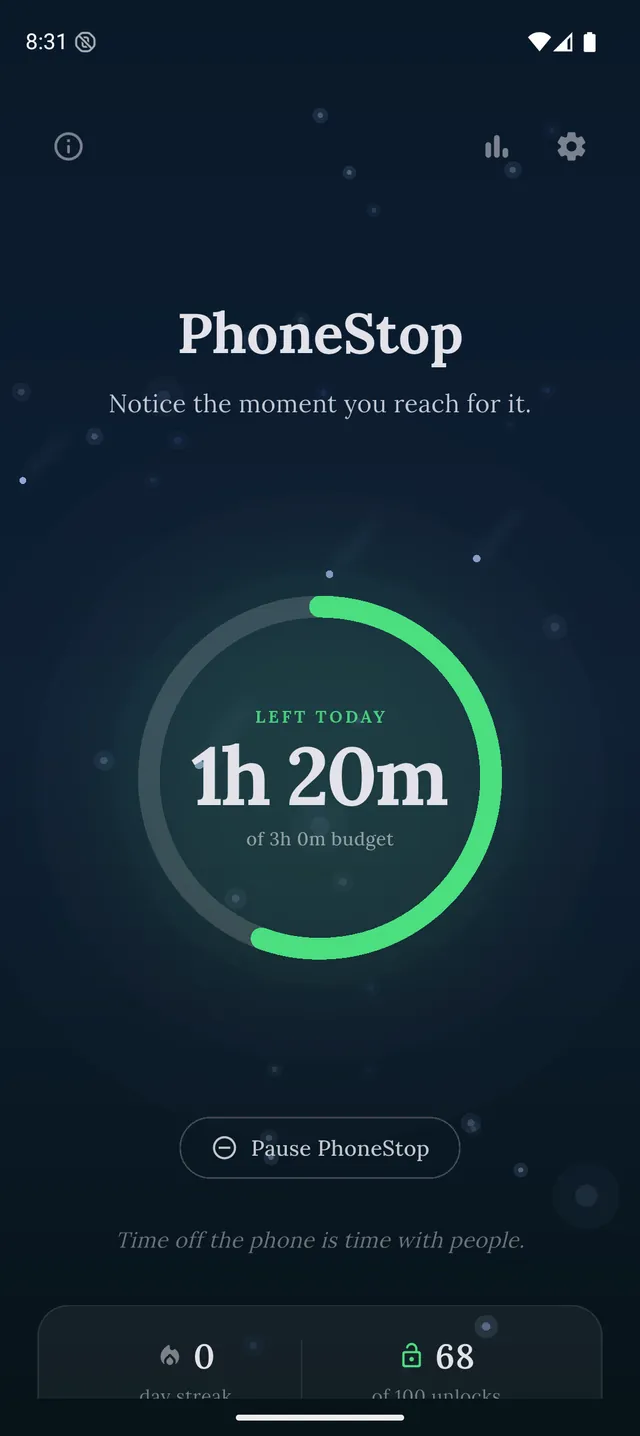
Free, no hardware. A budget that drains, warnings on the way down, and a full-screen stop with a one-tap lock at the end.
2. AppBlock
Android, iPhone · Usable free tier; premium by month, year or a one-time payment
The software version of being bricked: profiles plus a strict mode you cannot turn off in the moment.
3. Unpluq
Android and iPhone, plus a physical tag · Around $79 for the Tag with a year included, then a subscription (around $35/year)
The other hardware answer: a physical key, on a subscription, with a much more granular app model.
4. ScreenZen
iPhone, iPad, Android · Free, donation-supported
Free and soft: a pause screen instead of a disappearance.
5. Opal
iPhone and iPad (an Android build exists but trails the iOS app) · Free tier, subscription for the real features (around $100/year)
The paid iPhone software route, with Deep Focus as its version of the drawer.
6. Digital Wellbeing
Android (built in) · Free
The free first step. If its dismissible timers are enough, you have saved $59.
PhoneStop vs Digital Wellbeing

Disclosure: we make PhoneStop, so treat our own entry with the scepticism it deserves. Everything else here is written from public information and hands-on use; prices and platforms were checked in September 2026 and change often, so check the vendor before you pay.
PhoneStop is a free Android app. Set a daily screen time budget, get warned before it runs out, and get stopped when it does.

Android. No account, no ads. Your screen time never leaves your phone. An iPhone version is coming soon.
Questions people ask
Is there a cheaper alternative to Brick?
A blank NFC tag costs a few pounds and can trigger a focus mode through your phone's own automation app. It is fiddlier and less polished, and it is most of the effect for a fraction of the price.
Do I need hardware to block apps properly?
No: you need an undo that is inconvenient. Hardware is one way to buy that. AppBlock's strict mode is another, and a budget that stops you is a third, softer one.