AppBlock alternatives in 2026
AppBlock is the serious Android blocker. Profiles, schedules, and a strict mode that will not let you out. Here is what to use instead, depending on why you are leaving.
By Ruslan Shchuchkin, who built PhoneStop · · Read this page as Markdown
Why people look for an alternative to AppBlock
AppBlock is the strongest pure blocker on Android. People still leave it, and the reasons are consistent.
- It is a configuration project. Profiles, conditions, schedules, blocklists: it is powerful in the way a spreadsheet is powerful, and it wants an afternoon.
- Strict Mode is all or nothing. Either you can turn it off, in which case you will, or you cannot, in which case you are locked out of something you genuinely needed at some point.
- The good parts are paid.
- It blocks apps, so it never tells you how much of the day you spent. You can be inside your rules all day and still be on the phone for seven hours.
| App | Platforms | Price | At the limit |
|---|---|---|---|
| PhoneStop | Android | Free | A full-screen stop, a reset, then a one-tap lock |
| ScreenZen | iPhone, iPad, Android | Free, donation-supported | Shows a pause screen and can refuse the open once you pass your cap |
| StayFree | Android, iPhone, Chrome | Free with a premium tier | An overlay warning, and a block screen on the app you set a limit for |
| Digital Wellbeing | Android (built in) | Free | The icon greys out and a Time's up screen appears, with a button to dismiss it for the day |
| Freedom | iPhone, iPad, Android, Mac, Windows, Chrome | Subscription, with a lifetime option (around $100) | Blocks the sites and apps on your list for the scheduled session |
| Brick | iPhone and Android (needs recent OS versions) | $59 one-time for the puck; the app is free | Your chosen apps are gone until you physically tap the phone on the puck |
The alternatives
1. PhoneStop
Android · Free
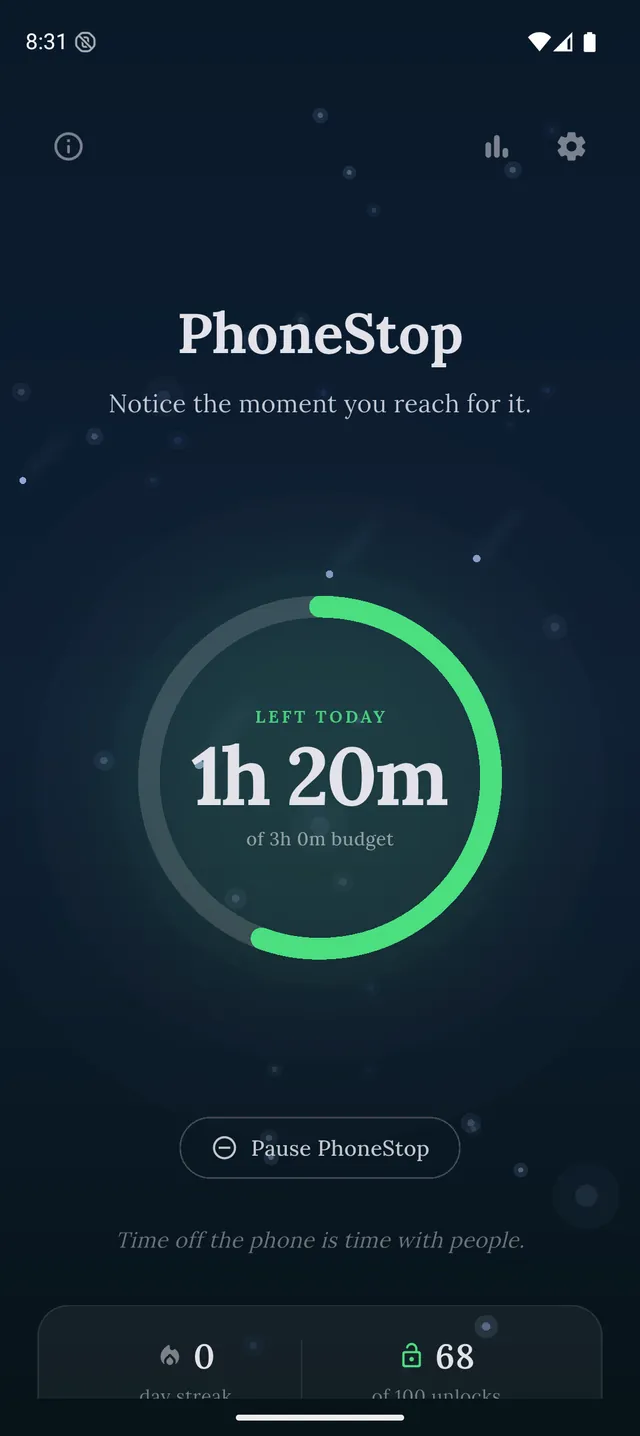
Free, no configuration, and it measures the whole phone instead of policing a list. The full-screen stop is the enforcement.
2. ScreenZen
iPhone, iPad, Android · Free, donation-supported
Free and much lighter to set up: a pause screen and an open limit per app, without profiles.
3. StayFree
Android, iPhone, Chrome · Free with a premium tier
If you want to see the damage before you decide what to block: the best free Android tracking.
4. Digital Wellbeing
Android (built in) · Free
Free and already installed. Weaker, dismissible, and enough for a first week of honesty.
PhoneStop vs Digital Wellbeing
5. Freedom
iPhone, iPad, Android, Mac, Windows, Chrome · Subscription, with a lifetime option (around $100)
When the problem is not only the phone: one session locks the laptop as well.
6. Brick
iPhone and Android (needs recent OS versions) · $59 one-time for the puck; the app is free
The physical version of Strict Mode: apps come back when you tap a puck you left in another room.

Disclosure: we make PhoneStop, so treat our own entry with the scepticism it deserves. Everything else here is written from public information and hands-on use; prices and platforms were checked in September 2026 and change often, so check the vendor before you pay.
PhoneStop is a free Android app. Set a daily screen time budget, get warned before it runs out, and get stopped when it does.

Android. No account, no ads. Your screen time never leaves your phone. An iPhone version is coming soon.
Questions people ask
What is a simpler alternative to AppBlock?
ScreenZen, if you want per-app limits without profiles, and PhoneStop if you want no configuration at all: one number for the day and nothing else to decide.
Is there an app blocker without an accessibility service?
For blocking websites, no. For everything else, PhoneStop uses usage access and an overlay instead, and Digital Wellbeing is part of the OS so it needs nothing granted.