Freedom alternatives in 2026
Freedom is the cross-device blocker. One session locks your laptop and your phone at the same time. Here is what to use instead, depending on why you are leaving.
By Ruslan Shchuchkin, who built PhoneStop · · Read this page as Markdown
Why people look for an alternative to Freedom
Freedom is the oldest serious product here, and the reasons people look elsewhere are mostly structural.
- It is a subscription for something many people only need for two hours a day.
- It uses a VPN profile on mobile to filter traffic. That is how it blocks websites, and it is a thing plenty of people will not install.
- It is built around sessions and schedules you configure in advance. If your overuse is unplanned, so is your session.
- It is a work tool. Freedom is excellent at protecting deadlines and mediocre at protecting evenings.
| App | Platforms | Price | At the limit |
|---|---|---|---|
| PhoneStop | Android | Free | A full-screen stop, a reset, then a one-tap lock |
| Cold Turkey Blocker | Windows and Mac. There is no phone version | Free tier for websites; one-time purchase for Pro (around $39) | Blocks, and Frozen Turkey locks you out of the whole computer |
| AppBlock | Android, iPhone | Usable free tier; premium by month, year or a one-time payment | Blocks the profile's apps and sites, and Strict Mode refuses to be turned off |
| Opal | iPhone and iPad (an Android build exists but trails the iOS app) | Free tier, subscription for the real features (around $100/year) | Blocks the apps in your session; Deep Focus makes the block hard to lift |
| ScreenZen | iPhone, iPad, Android | Free, donation-supported | Shows a pause screen and can refuse the open once you pass your cap |
| Digital Wellbeing | Android (built in) | Free | The icon greys out and a Time's up screen appears, with a button to dismiss it for the day |
The alternatives
1. PhoneStop
Android · Free
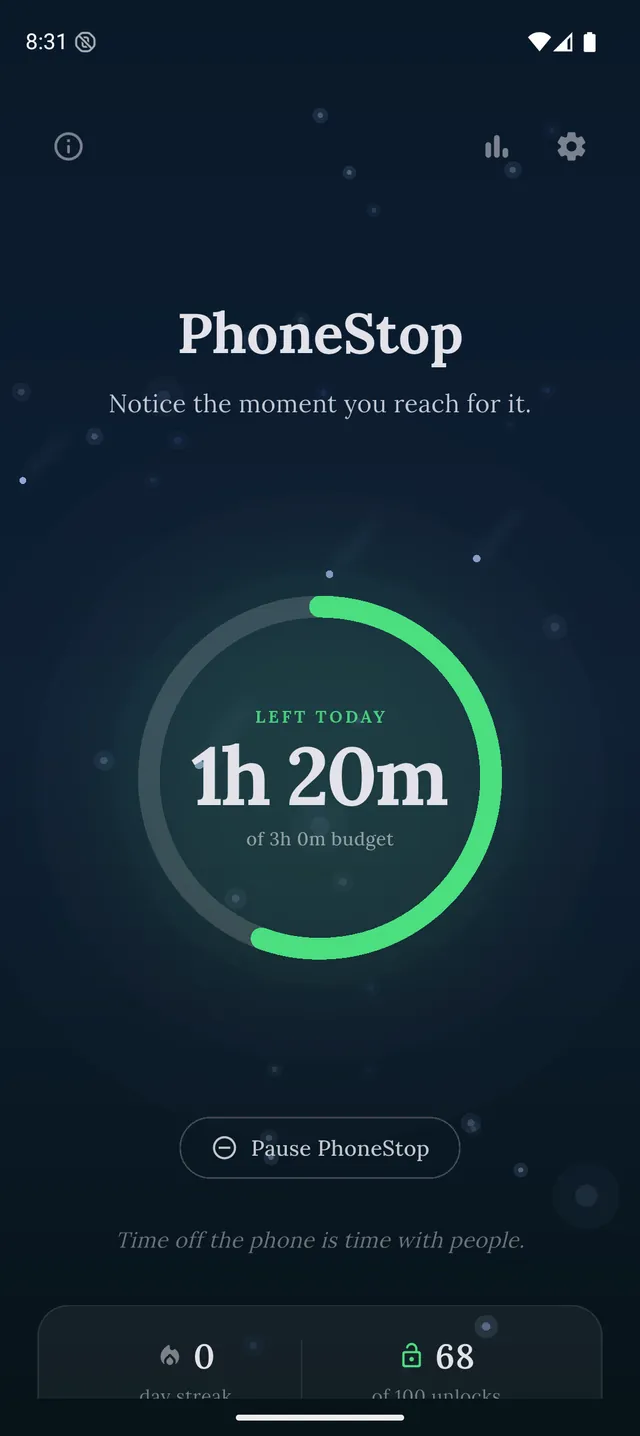
Free, one device, no VPN and no account. A daily budget with escalating warnings and a full-screen stop instead of a blocklist.
2. Cold Turkey Blocker
Windows and Mac. There is no phone version · Free tier for websites; one-time purchase for Pro (around $39)
The desktop answer, and the strictest thing on this page. A one-time purchase and blocks you genuinely cannot talk your way out of.
PhoneStop vs Cold Turkey Blocker
3. AppBlock
Android, iPhone · Usable free tier; premium by month, year or a one-time payment
Android profiles and schedules that cover most of what people use Freedom's mobile side for, with a usable free tier.
4. Opal
iPhone and iPad (an Android build exists but trails the iOS app) · Free tier, subscription for the real features (around $100/year)
The iPhone equivalent: sessions, schedules and a hard block, without the desktop half.
5. ScreenZen
iPhone, iPad, Android · Free, donation-supported
Free, and enough if your problem is three apps on one phone rather than the whole internet.
6. Digital Wellbeing
Android (built in) · Free
Already on your Android phone, free, and covers scheduled downtime, just not strictly.
PhoneStop vs Digital Wellbeing

Disclosure: we make PhoneStop, so treat our own entry with the scepticism it deserves. Everything else here is written from public information and hands-on use; prices and platforms were checked in September 2026 and change often, so check the vendor before you pay.
PhoneStop is a free Android app. Set a daily screen time budget, get warned before it runs out, and get stopped when it does.

Android. No account, no ads. Your screen time never leaves your phone. An iPhone version is coming soon.
Questions people ask
Is there a free alternative to Freedom?
For a phone, yes: ScreenZen, Digital Wellbeing and PhoneStop are all free. For desktop, Cold Turkey's free tier is the nearest thing, and LeechBlock is free in the browser. Nothing free covers every device at once the way Freedom does.
What replaces Freedom on Android only?
AppBlock for scheduled blocking with a strict mode, or PhoneStop if you want a daily budget instead of a blocklist. Neither needs a VPN profile, which is the usual reason people leave.